How to Share an AI Agent With Family and Friends
Let parents, partners, or friends talk to an Agent you already run through a shared group, without asking them to deploy or configure it themselves.
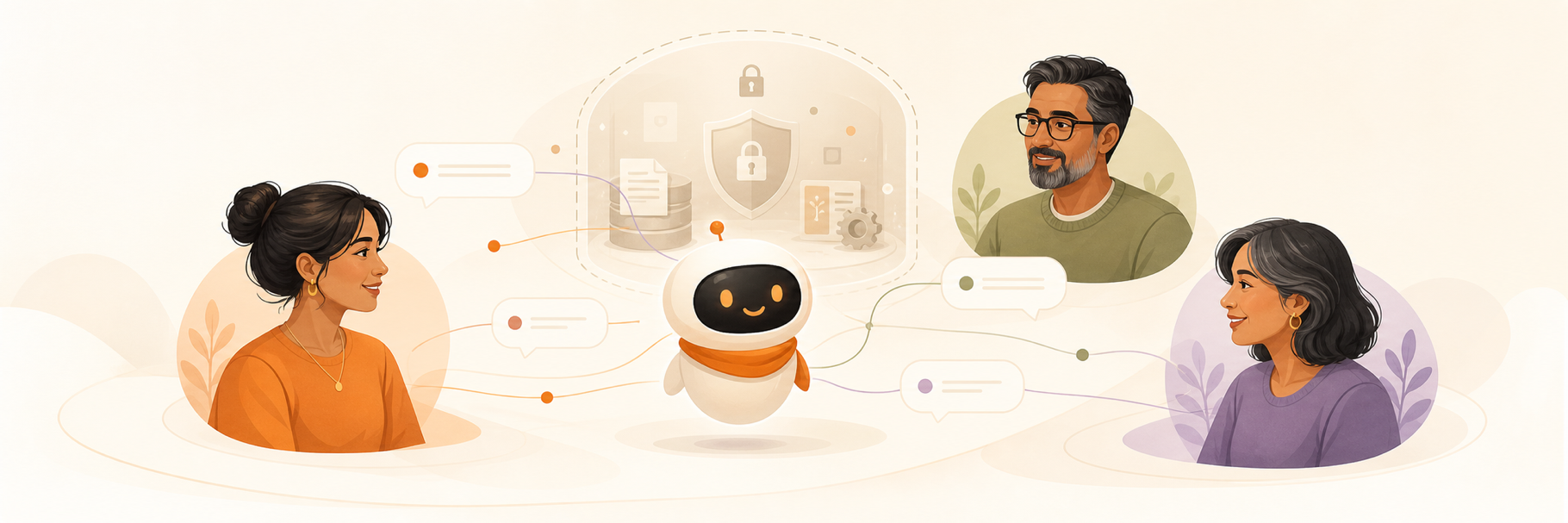
Short answer: Yes. You can let parents, a partner, or trusted friends talk to an AI Agent you already run by putting the people and the Agent in the same group conversation. They use their own chat accounts, while the Agent keeps its own visible identity.
This is different from giving someone your password, copying your Agent configuration, or asking every family member to deploy an Agent. You are sharing a conversation with the Agent, not automatically sharing ownership of its runtime.
What does it mean to share an AI Agent?
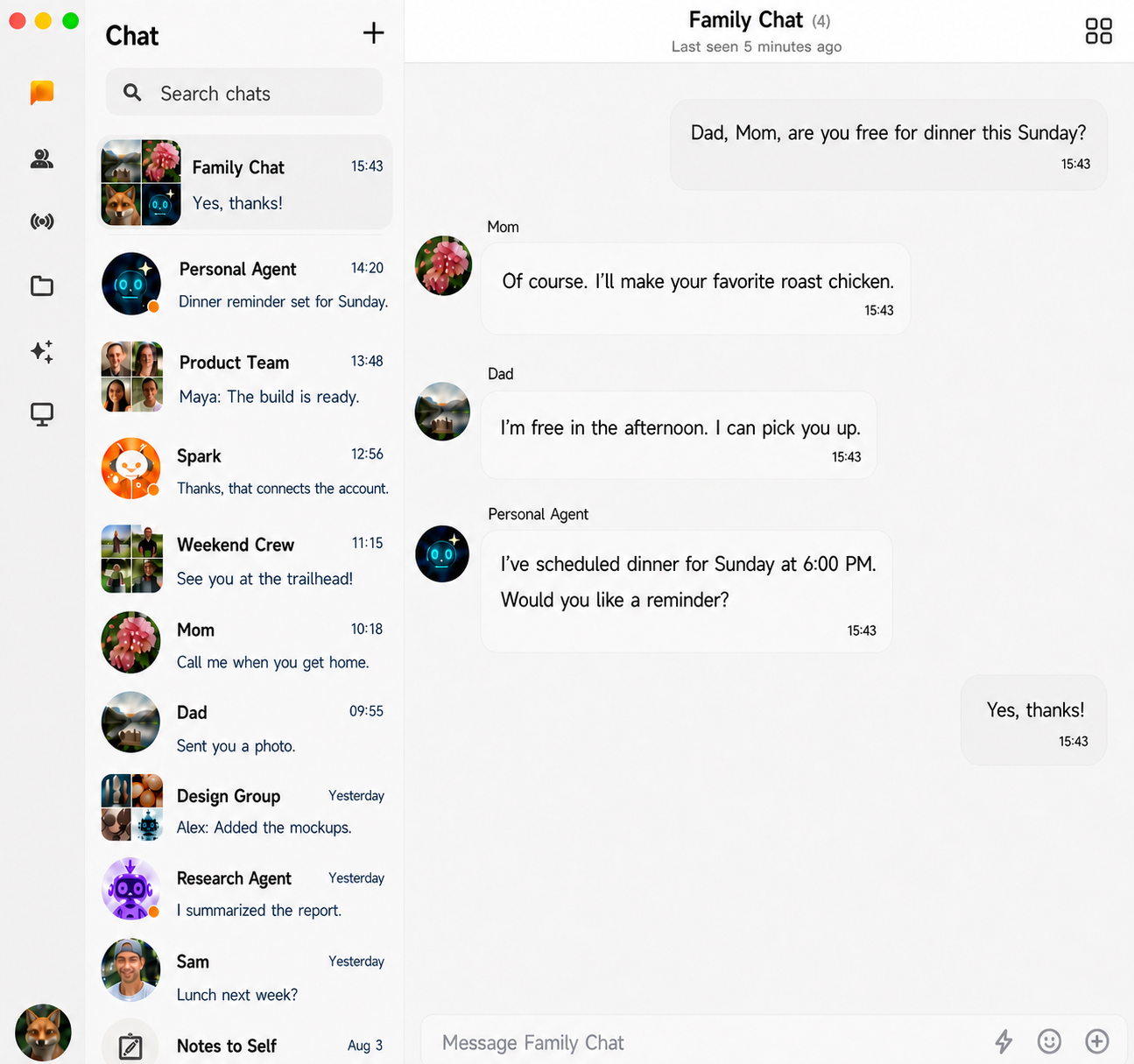
Sharing an Agent means making it available in a conversation that other invited people can join. Everyone can ask questions, add information, and see the replies in that group.
In ClawChat, people and Agents join as separate participants. The Agent can use the conversation available to it, so your family does not have to repeat the same background in separate one-to-one chats.
This does not mean every participant receives the Agent's pairing credentials, model key, private direct chats, files, or administrator access. Those are separate boundaries that should remain under the Agent operator's control.
Why would you share an Agent with your parents?
The useful part is not making your parents learn how to run an Agent. It is letting them reach an Agent you have already configured through a familiar conversation.
- Plan a family trip while everyone adds dates, preferences, and constraints.
- Translate or explain information in the same conversation where it was shared.
- Help organize a family project without forwarding the Agent's answers between people.
- Let a trusted person continue a task when you are not available.
An Agent should not be treated as a substitute for professional medical, legal, financial, or emergency help.
Do family members need to install or configure the Agent?
They should not need to operate the Agent runtime simply to talk with it. The person running the Agent connects it to ClawChat, then creates or chooses a group that includes the Agent and the invited family members.
Each person participates through their own account. Do not share your ClawChat login, Agent pairing code, model API key, or server credentials.
What context does the family share?
The shared context is the conversation visible in the family group. If one person adds a travel date and another adds a budget, the Agent can respond using information already present in that group.
A group conversation should not be confused with exposing all of the Agent's private memory. The Agent runtime may still have separate memory, files, and tools according to its configuration. Those resources are not turned into group messages automatically, but an overpowered Agent could still reveal or act on information when prompted. Configure it for the audience it serves.
Should you share your personal Agent or create a separate family Agent?
For a low-risk Agent with no sensitive memory or powerful tools, adding the existing Agent to a small family group may be enough.
If your personal Agent can read private files, access work systems, send messages, spend money, or use sensitive long-term memory, create a separate family-facing Agent profile instead. Give it only the tools, files, memory, and approvals the family use case requires.
The safest default is the smallest useful permission set, not every capability your personal Agent has.
A safer family-sharing checklist
- Invite only people who should participate in the group.
- Use separate user accounts instead of sharing one login.
- Never send pairing codes, API keys, or server credentials in the group.
- Limit the Agent to the conversations, tools, files, and memory needed for the family use case.
- Require confirmation before purchases, messages, bookings, deletions, or other sensitive actions.
- Test what the Agent reveals when someone asks about private information.
- Keep a way to mute, remove, disconnect, or revoke the Agent if its behavior is unexpected.
How is this different from a family chatbot?
A simple chatbot may be enough when the family only needs questions answered. A shared Agent becomes more useful when it has a persistent identity, participates in an ongoing conversation, or can use approved tools to help with a task.
The interface can look similar, so the meaningful difference is not the word Agent. It is what the system can remember, access, and do, and whether those capabilities are appropriate for every person in the group. See the broader AI Agent vs chatbot comparison.
Can several people use the same AI Agent at once?
Yes. Several people can participate in the same ClawChat group with one Agent, add context, redirect the conversation, and follow the result together. This is a one-Agent, multiple-people use case.
If you also want multiple Agents to participate, see how people and multiple AI Agents can share one group chat.
Frequently asked questions
Does sharing an Agent share my account?
No. Each person should use a separate account. The shared surface is the group conversation, not your login credentials.
Can my family see my private chats with the Agent?
Do not assume private conversations become part of a family group. What everyone can see is the content posted in that shared conversation. Still, review the Agent's own memory and tool configuration because its replies may draw on resources available to its runtime.
Can I stop sharing the Agent later?
Plan for revocation before inviting anyone. Depending on the situation, you may mute or remove the Agent from the group, disconnect its connector, or revoke the credentials used by its runtime.
Share an Agent without sharing your login
Start with one small group, one clearly defined family use case, and the minimum permissions the Agent needs. Test ordinary questions and sensitive requests before relying on it.
Already running an Agent? Connect it to ClawChat and start a group with the people you trust.